
One take, two files: vertical 9:16 and horizontal 16:9
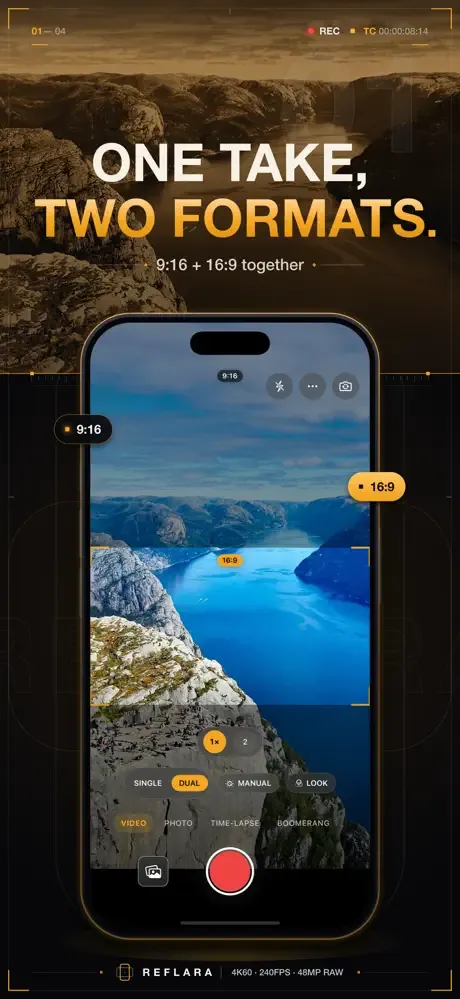
In DUAL mode, one take is saved as two separate files: a vertical 9:16 and a horizontal 16:9. Framing is rotation-aware, so each file is composed correctly, and an on-screen guide band shows both crops while you record.
It works for photos too: one shot gives you a vertical and a horizontal frame.
See your look in the viewfinder before you shoot
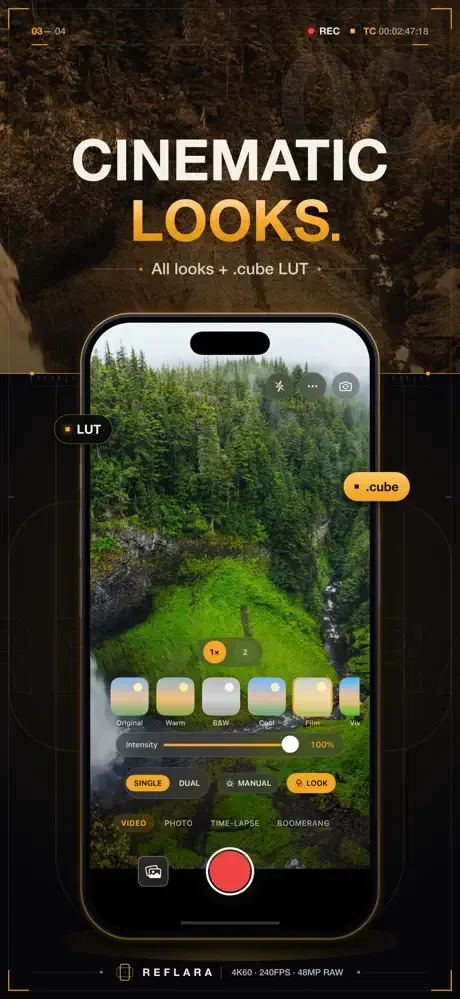
Your chosen look is applied to the live image, so what you see is what you get. Pick from 8 built-in cinematic looks and set the intensity with a slider, or import your own .cube LUTs.
The look is baked in at export, so files come out ready to post.
Manual ISO, shutter speed and white balance
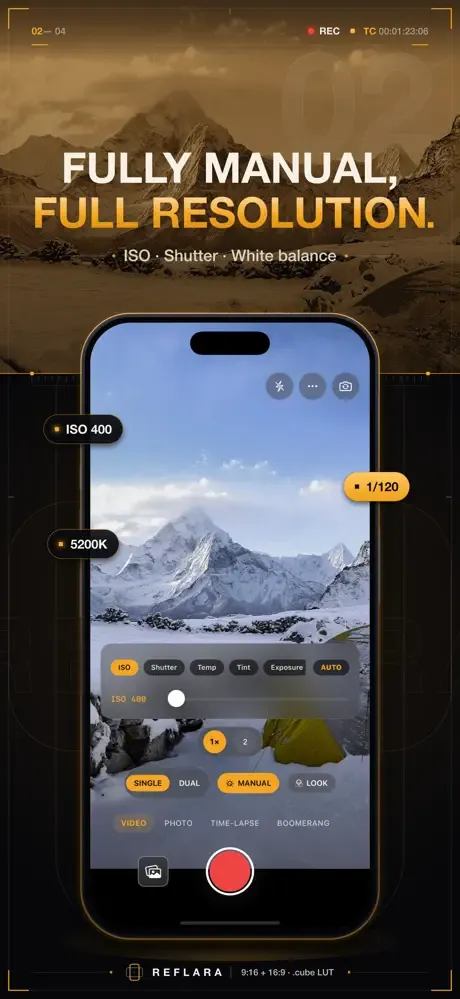
Set ISO, shutter speed and white balance (temperature and tint) by hand. An exposure (EV) slider, tap to focus and AE/AF lock let you hold the scene exactly where you want it.
Focus peaking, zebras and framing guides
Focus peaking and zebra stripes help you nail focus and exposure. A level and grid guides (rule of thirds, golden ratio, center) keep the frame straight and balanced, with zoom presets and pinch zoom close at hand.
4K video and cinematic 24 fps
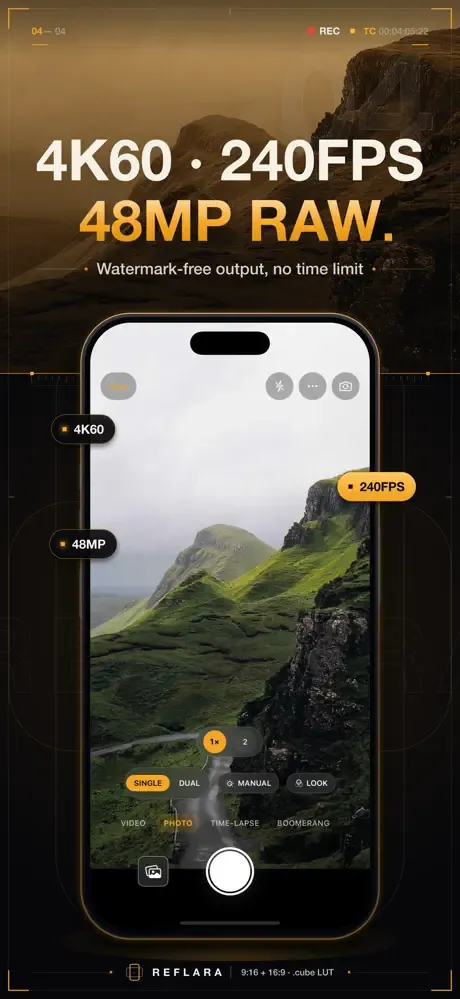
Record 4K at 30 or 60 fps, 1080p at 30 or 60 fps, or choose cinematic 24 fps.
Multi-segment recording lets you pause and resume within one clip.
Slow motion up to 240 fps
Slow motion records at 120 fps, and up to 240 fps on supported devices. If your device does not offer 240 fps, Reflara uses the highest frame rate it supports.
Time-lapse and forward-reverse loops
Compress a long scene into a short clip with time-lapse, or record a short loop that plays forward and then in reverse.
12 MP and 48 MP photos, RAW (DNG)
Photos are saved at 12 MP or 48 MP in HEIF, with 48 MP and RAW (DNG) capture on supported devices. A 3 or 10 second self-timer and a front screen flash for low light are built in.
Private by design
There is no account, no email, no feed and no cloud upload. Your videos and photos are never uploaded, and purchases are verified only through the App Store.
Reflara saves to your library with add-only permission: it can add your shots but never reads your photos. Both files from a dual-aspect shot can be shared straight from the share sheet.
Who it is for
Vloggers, interviewers, podcasters and filmmakers who publish to more than one platform. If a take needs to go out both vertical and horizontal, you only shoot it once.
Free and Reflara Pro
Reflara is free to shoot with: the core camera, single-aspect capture and 3 looks are included, and you can try DUAL capture twice for photos and twice for video. In the free version, shots are saved with a Reflara watermark and a continuous video recording stops after 90 seconds.
Reflara Pro unlocks dual-aspect capture, the full manual and cinematic controls, watermark-free output, recording without a time limit, 4K, slow motion up to 240 fps and RAW (DNG) capture on supported devices, 48 MP photos, and the complete look pack with .cube LUT import. Pro is available as a monthly or annual subscription, with no ads and no restrictions after purchase.
Frequently asked questions
How do I record vertical and horizontal video at the same time?
In Video or Photo mode, choose DUAL with the SINGLE / DUAL button on the camera screen and shoot. Reflara saves the take as two separate files, a vertical 9:16 and a horizontal 16:9.
Where are the two files from a DUAL shot saved?
When the take ends, both files are added to the photo library on your device automatically. Reflara only adds to your library; it never reads your existing photos and videos.
Is Reflara free?
It is free to download and shoot with. The free version includes the core camera and 3 looks, and you can try DUAL capture twice for photos and twice for video; shots carry a watermark and continuous video recording stops after 90 seconds. Unlimited DUAL capture, watermark-free output, recording without a time limit, the full manual controls, 4K, the complete look pack and .cube LUT import come with Reflara Pro, available as a monthly or annual subscription.
Can I use my own .cube LUT?
Yes. With Reflara Pro you can import your own .cube LUTs; the look shows on the live viewfinder and is baked into the file at export.
Does every iPhone support 240 fps slow motion?
No, 240 fps is available on supported devices. Slow motion records at 120 fps, and if your device does not offer 240 fps, Reflara uses the highest frame rate it supports.
Are my videos uploaded to the cloud? Do I need an account?
No. There is no account or sign-in, and your videos and photos are never uploaded. Purchases are verified only through the App Store.
Does Reflara work on iPad?
Reflara is designed for iPhone and requires iOS 18 or later.
How do I restore Pro on a new phone?
In Reflara, tap “Restore purchases” under Quick settings (⋯) > All Settings > Subscription, or “Restore” on the Reflara Pro screen; you need to be signed in with the Apple Account you used to buy.
How do I cancel a subscription?
On your iPhone, open Settings > [your name] > Subscriptions. While Pro is active, you can also tap Quick settings (⋯) > All Settings > Subscription > “Manage subscription” in Reflara to open the subscription management page.